
What Is Hotel Lobby AI Video? Orange Duo Rap
Hotel Lobby AI video pairs two performers with an orange backdrop and a hanging mic. Explore the look and make your own version from character photos.
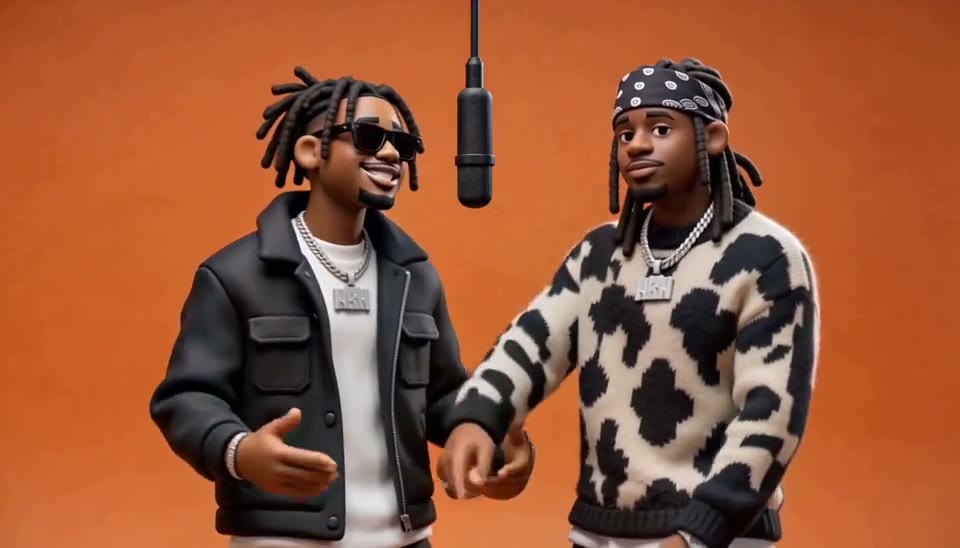
Two characters, an orange backdrop and a microphone hanging between them: that is the setup behind Hotel Lobby AI videos. One character takes the lead while the other nods along, dances and adds reactions. The same scene works with people, clay figures or an animal duo.
The appeal is the interaction. A small gesture from the second performer can give a simple shot more personality than a busy background or a moving camera.
What makes a Hotel Lobby AI video recognizable?
Start with a fixed medium shot. Both performers need enough room for their faces and hands to stay visible, with the microphone between them. The orange background keeps attention on their expressions.
Give the two characters different jobs: the lead performs toward the mic; the partner follows the beat and responds. If both make the same gestures or mouth the whole lead vocal, the scene loses that back-and-forth.
Make a Hotel Lobby video from photos
On VisFlip’s Hotel Lobby page, upload one image containing both characters or two separate character images. Choose a scene, style, model and length, then add a short video theme such as a birthday greeting. Check the quote and generate your video.
Video generation is billed in credits. Those credits can be used across VisFlip’s features.
Your characters can be people, animals or other character designs.
Choosing a different setting
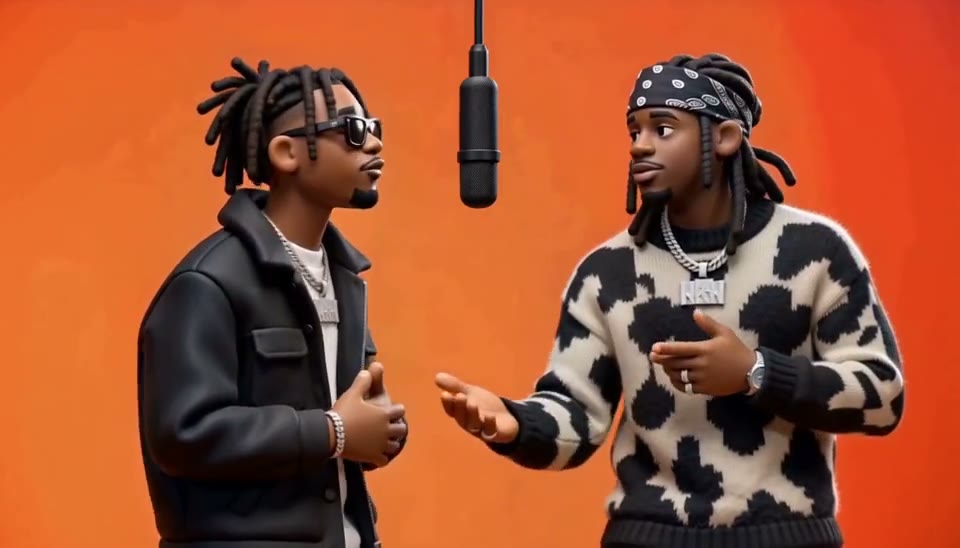
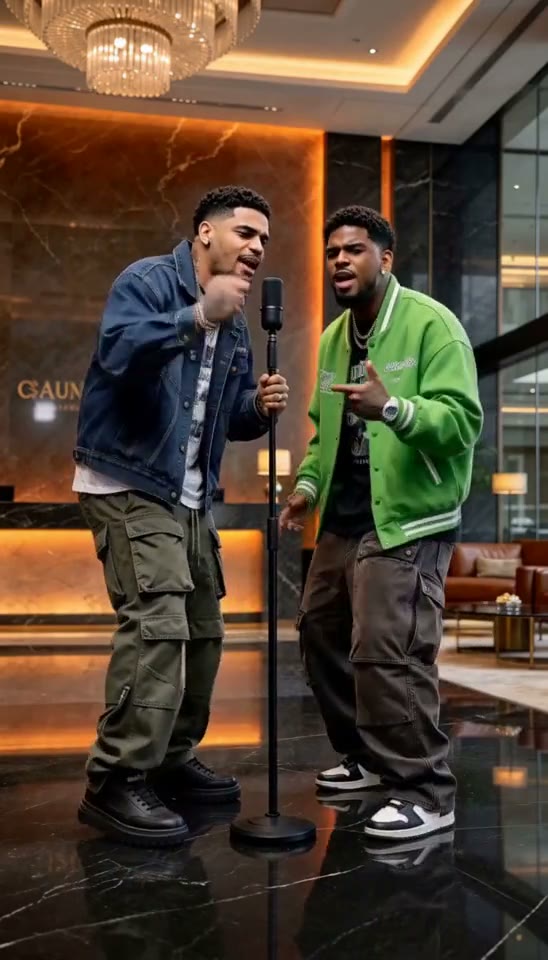
Orange studio is the choice for the recognizable duo-at-the-mic setup. The other scenes change its surroundings: Luxury lobby puts the performance in a warm interior, Street cypher takes it outdoors, and Studio booth gives it a recording-room setting.
Choose Live-action photography or Hotel Lobby moves · 3D clay. Live-action photography offers different scenes and lengths; 3D clay uses Orange studio · Hotel Lobby with a 10-second video.
Make your own version
Follow the photo-to-video walkthrough for the steps on VisFlip. If you already work with an image-to-video tool, the prompt guide explains how to describe the performers’ roles and movement.