Wan 3.0 Prompts: Guide and Video Examples
Learn to write Wan 3.0 prompts with three 480p video examples. See the prompts and settings for text-to-video, first-and-last frames, and image references.
This guide covers Wan 3.0 prompts for text-to-video, a single starting frame, first and last frames, and image references.
Choose a Wan 3.0 input mode
| Start with | Choose it when | Example in this guide |
|---|---|---|
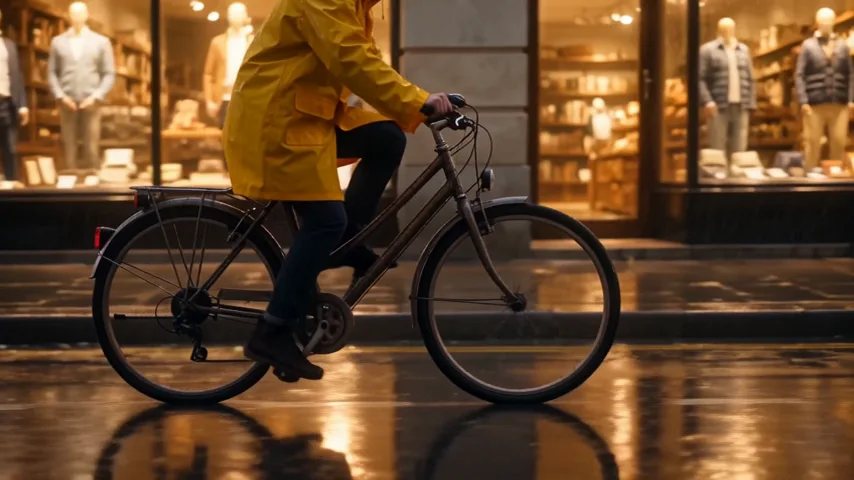
| Text | You are creating the opening scene from a written idea. | The cyclist clip |
| One starting frame | You already have the opening composition. | The cup-lifting prompt |
| First and last frames | You want to guide the opening and ending images. | The clock-to-sand clip |
| Image references | Several images should each guide a different detail. | The cup and table clip |
Write a clear Wan 3.0 scene prompt
Build the prompt in a simple order:
- Subject and setting: name the person or object and where the scene happens.
- Main action: describe what changes during the shot, in the order it happens.
- Camera: choose a stable view, a tracking move, a slow push-in or another deliberate movement.
- Visual direction: include visible lighting, color and texture details that matter.
- Ending: say what the viewer should see as the shot finishes.
- Sound, when wanted: describe ambience or music only if audio is enabled in the generator.
For a longer clip, give the scene a few clear beats instead of filling every second with new actions. The duration and aspect ratio in the examples are suggestions. Choose the actual settings in the generator.
Text-to-video prompt for a continuous scene
This real text-to-video example starts from a written scene brief, with no uploaded image. Its prompt asks for one continuous side-tracking shot.
The single riding action fits a 5-second clip, while the 16:9 frame leaves room for the rider and tracking movement. Text-only describes the input, which contains no image or video reference. Audio is a separate setting and was disabled in this run.
Image-to-video prompt for a starting frame
Choose Image to video when your uploaded image already contains the composition where the clip should begin. Keep the prompt focused on movement and continuity. For this example, use a clear image of a ceramic cup on a windowsill.
The 8-second duration gives the steam, lift and final hold room to read. A 9:16 frame suits a vertical window scene. Because the prompt asks for room tone, turn on audio if you want that cue. This is an adaptable example, not a tested generation.
Prompt for a first-and-last-frame transition
This first-and-last-frame example uses the clock image as the opening frame and the sand image as the ending frame. The prompt describes the transition between them.
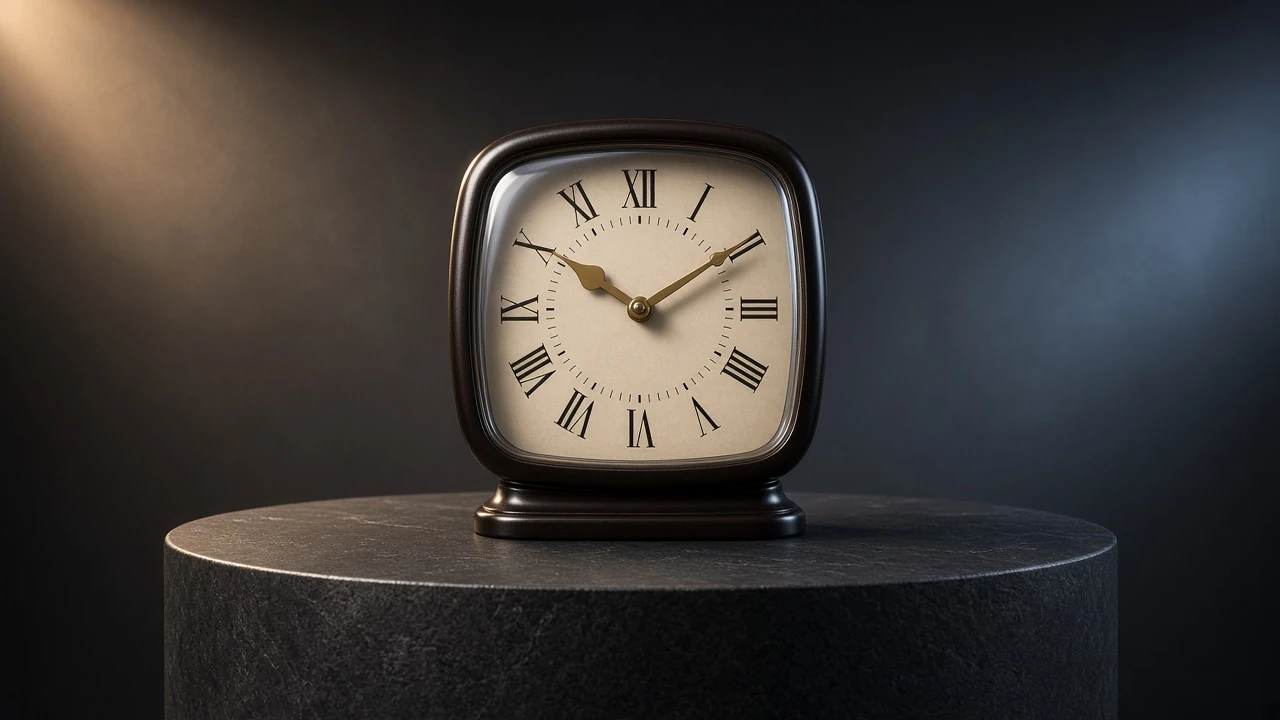
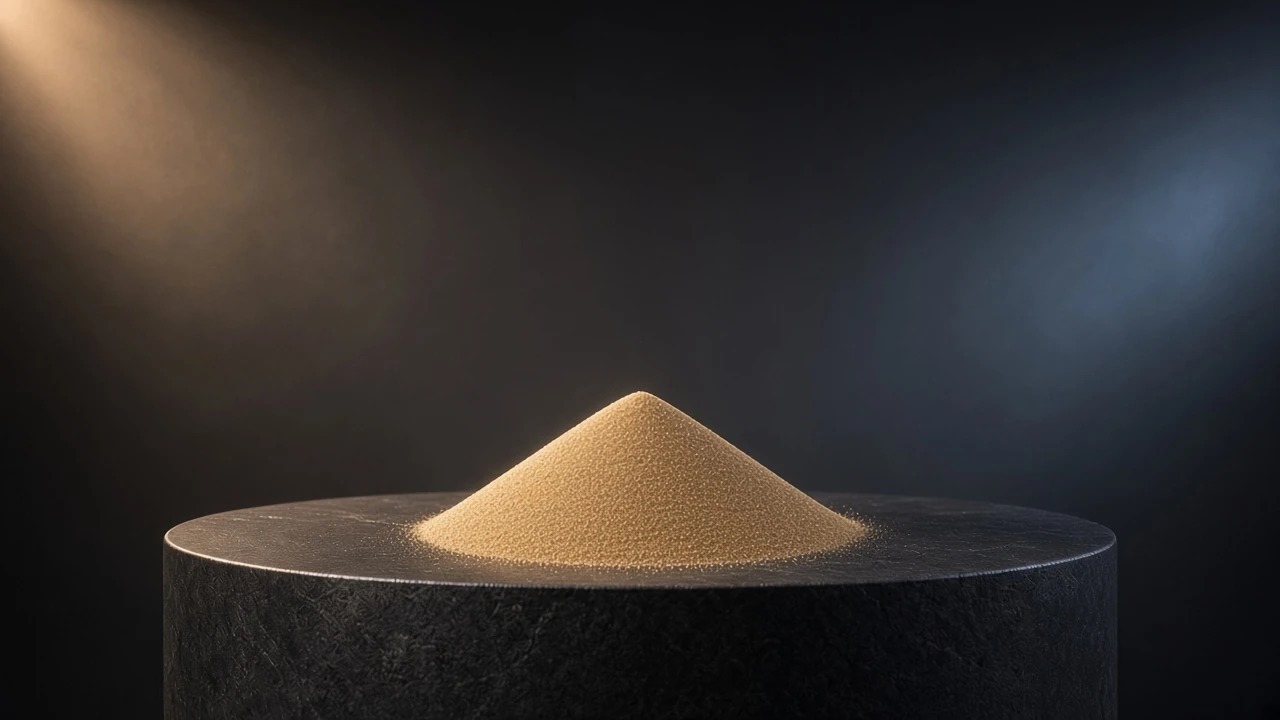
The prompt asks for one transformation, so the 5-second clip stays focused on the change between the frames. The 16:9 images set the endpoints, and audio is on for the ticking and sand sound described in the prompt.
Prompt with several image references
This real image-reference example uses two images. The first guides the blue cup, and the second guides the table and setting.
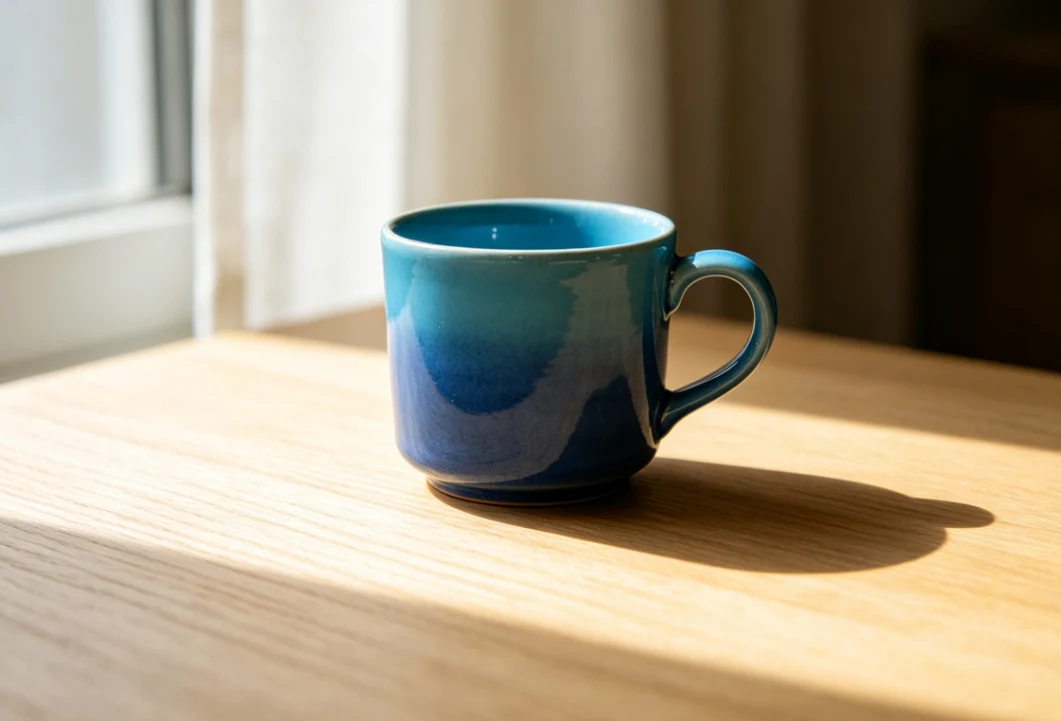
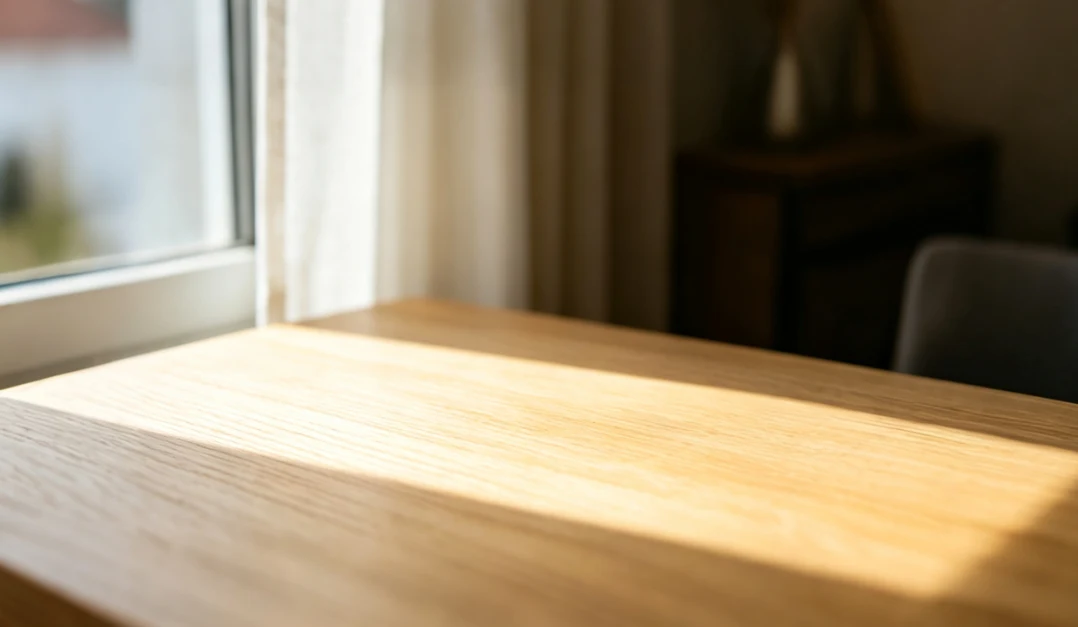
The 9:16 frame suits a vertical product shot. Six seconds gives the hand time to enter, set down the cup and leave; audio is on for the single ceramic tap.
Revise one detail at a time
Review the full clip against the prompt and uploaded images. Identify the first moment that misses your intent, then change the instruction tied to that moment.
| If you notice | Try changing |
|---|---|
| The subject changes appearance | Use a clearer subject image and state which visible traits should stay consistent. |
| Too many actions compete | Keep one main action and remove or separate the others. |
| The camera loses the subject | Name the subject and specify a steadier camera path or framing. |
| The ending feels abrupt | Describe a final pose or hold, and leave time for it in the chosen duration. |
| References are blended together | Assign each uploaded image one role and remove contradictory details. |
Change one main instruction and keep the other inputs stable for the next attempt. That makes it easier to judge whether the new wording helped.
A practical revision order is to check the input image first, find the earliest moment that drifts from the prompt, then inspect the camera path and ending frame. Change only the instruction tied to that mismatch while keeping the other settings fixed. If references compete, assign product identity to one image and the setting or lighting to another. Remove any direction that asks both images to control the same detail.
For the cup prompt above, if the handle drifts during the lift, remove the push-in before changing the cup reference. If the clip ends while the hand is still moving, shorten the steam beat to leave more time for the final hold. Change one instruction at a time.