



VisFlipVisFlip

MAGI 2.0 AI Video Generator

Create 4–30 second 1080p videos from text, a first frame, first and last frames, or image, video and audio references. Choose from six aspect ratios and turn generated audio on or off.

CostThis option is not available yet.

Audio is on by default and can be turned off without changing the price. During busy periods, generation may take longer due to the queue.

Editable MAGI 2.0 prompt examples

Three short films to try with MAGI 2.0

Try a vertical dance-class announcement, a detail shot for a pottery shop or an opening cue for a puppet show.

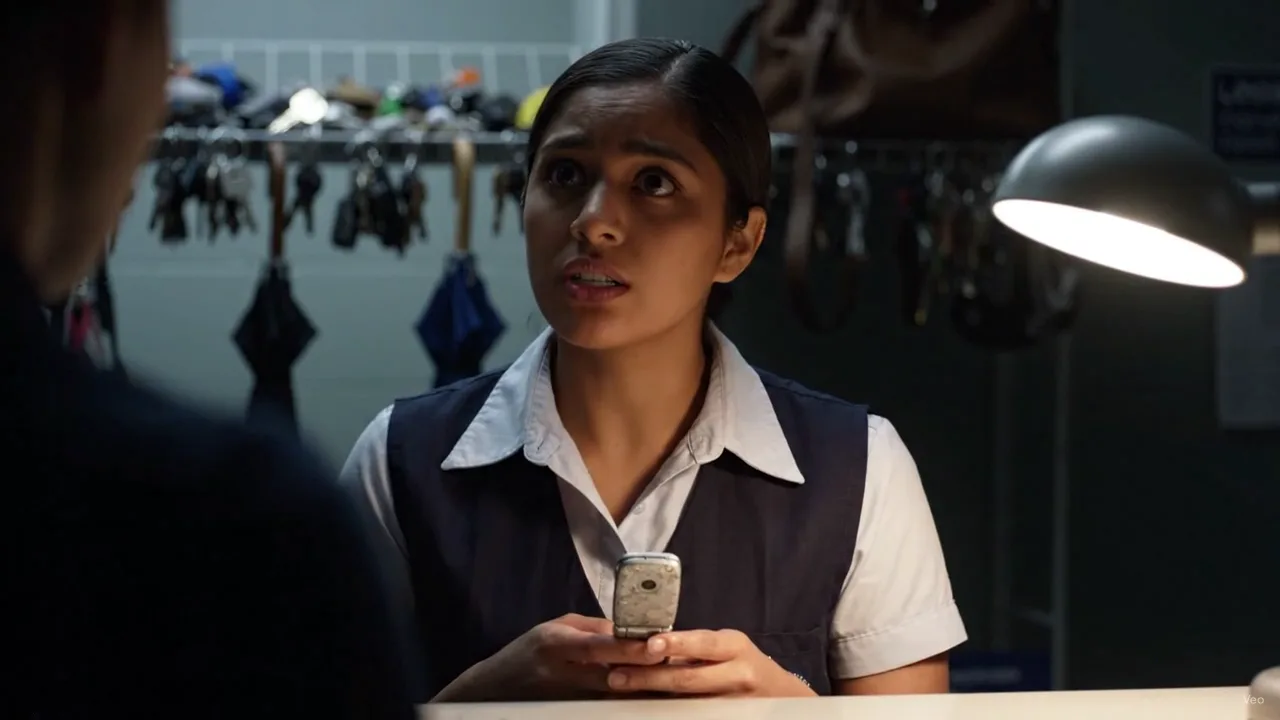
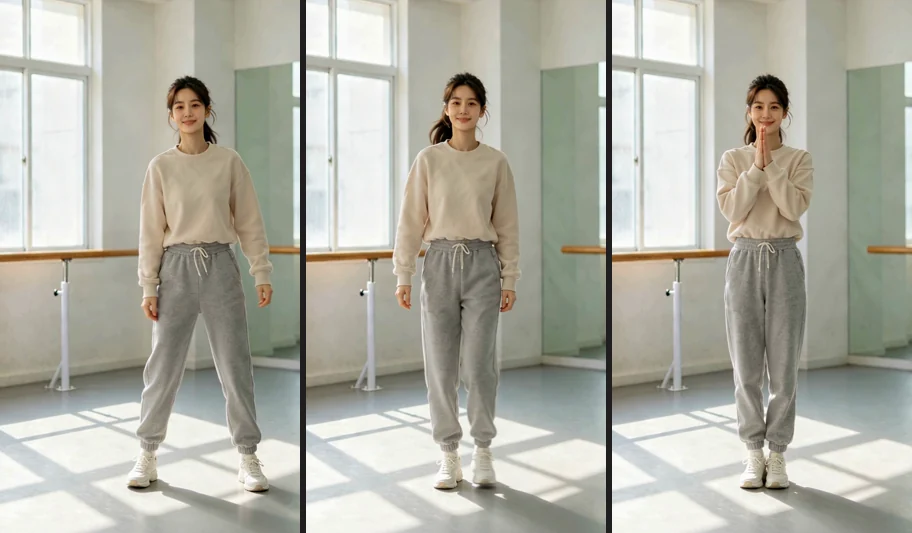
Announce a new dance class

Announce a new dance class

A single studio photo sets the instructor’s look. Watch her feet come together after the side step, then listen for the clap around the three-second mark.

Show the glaze on a handmade bowl

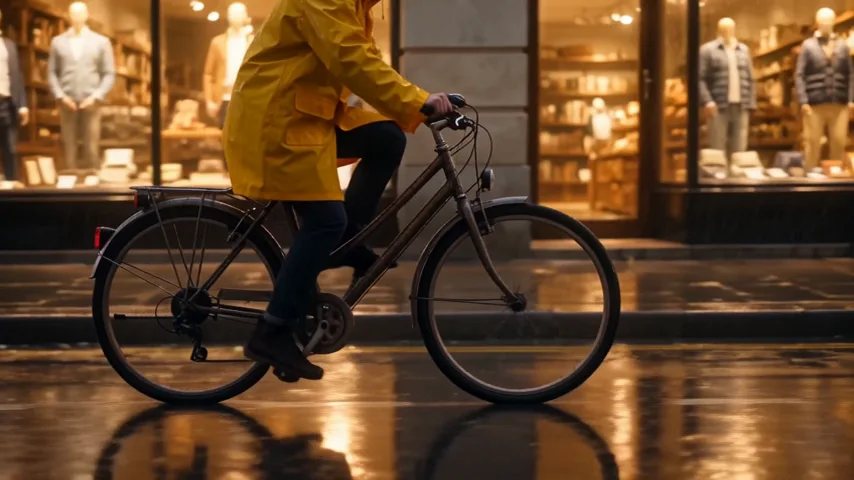
For a pottery listing, start with the whole bowl and move in to the rim. The 5-second MAGI 2.0 clip uses two crops of the same photo as its first and last frames. Watch the speckles during the slow push-in.

Show the glaze on a handmade bowl
The whole tea bowl with a brown rim and a band of mottled glaze.
First frame
Close crop of the same bowl showing the brown rim and flecks in the glaze.
Last frame
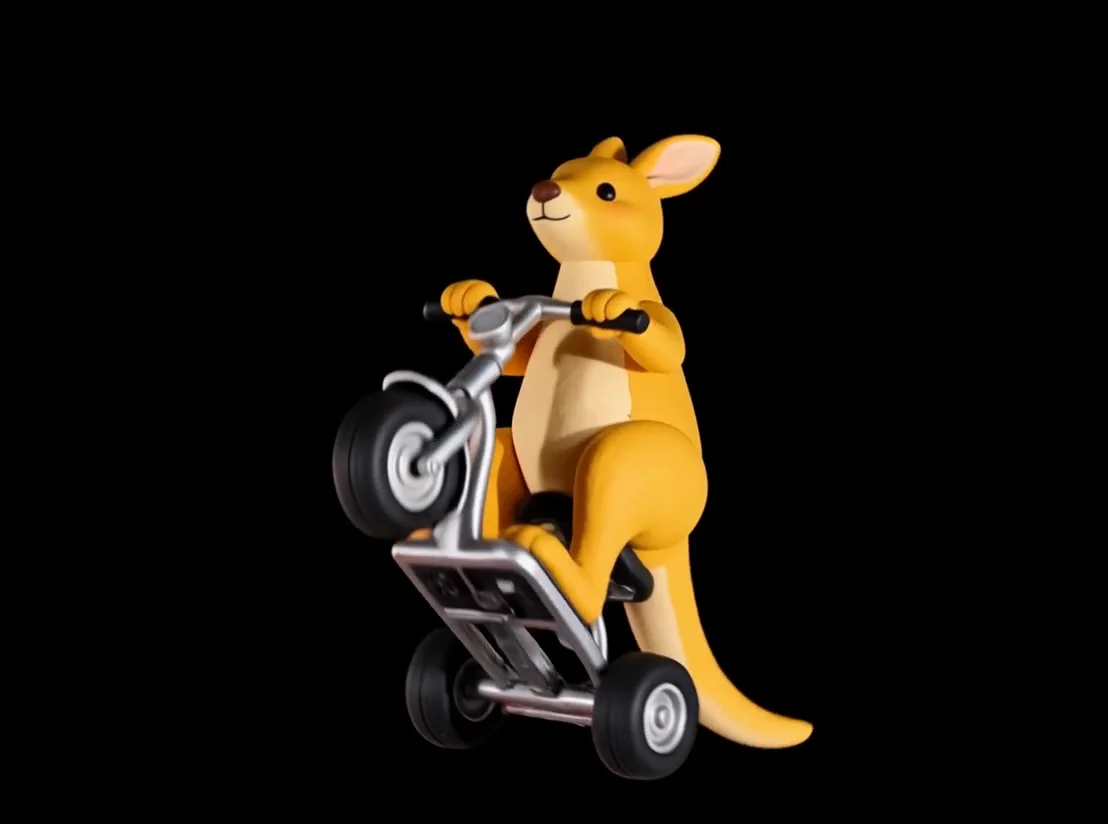
Open a puppet theatre teaser with sound

Open a puppet theatre teaser with sound

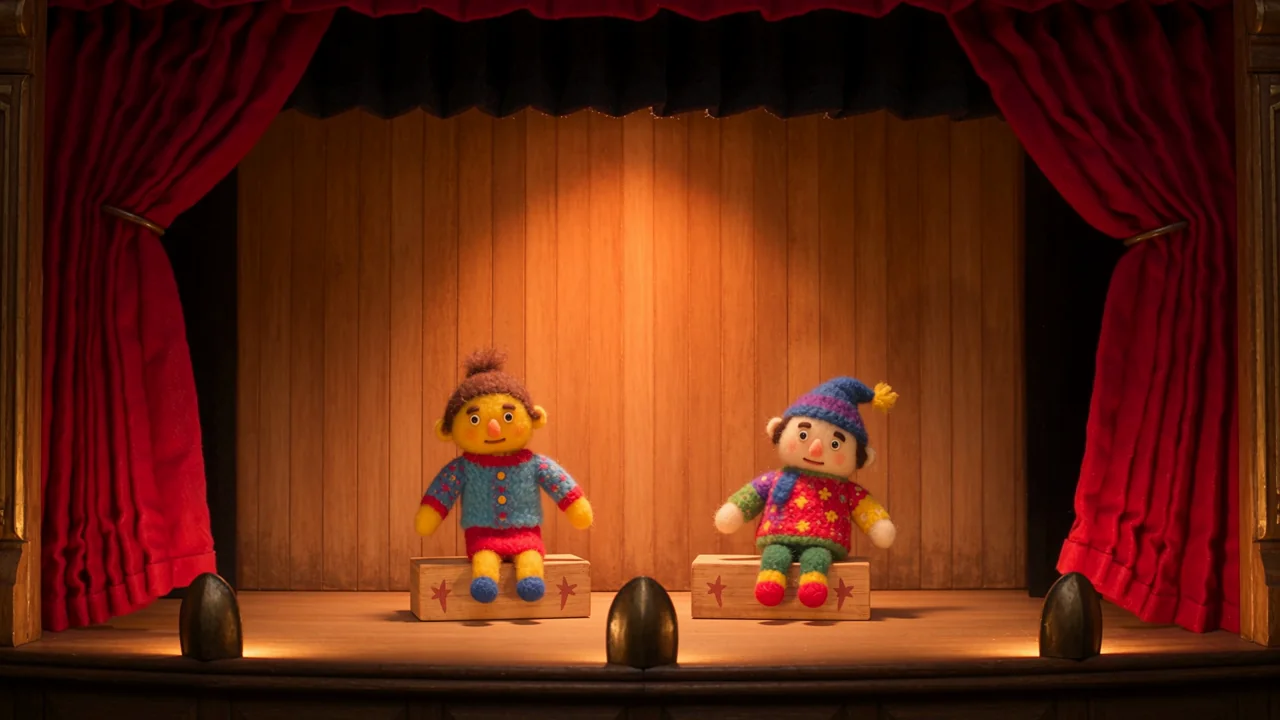
Watch the red curtains part to reveal two puppets. The four-second clip works as a silent teaser; turn on sound to hear the opening cue.

Shape a shot with MAGI 2.0 references

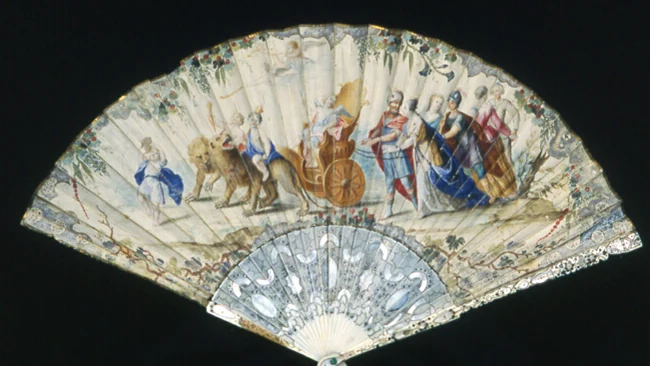
Use a print to set the opening frame, a drumbeat to time a paper fan, or a rehearsal clip to guide a dancer in a new outfit.

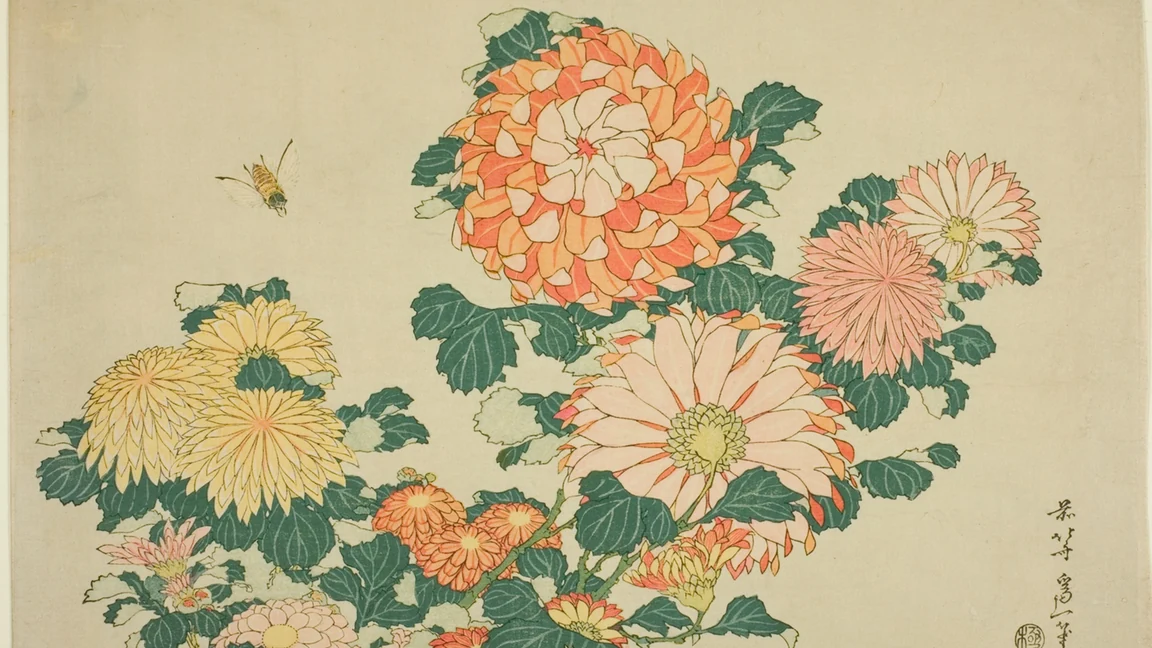
Orange and pale chrysanthemums with inked leaves on a woodblock print.

Animate a leaf in a print

Choose one leaf beside a flower and ask it to sway. Compare the result with the opening print. The neighboring petals and the grain of the paper should stay in place.

MAGI 2.0 compared with Seedance, Kling and MiniMax

Which setting matters for your shot? Compare clip length, reference controls and output resolution in the VisFlip generator.

ModelBest forDurationResolution
MAGI 2.0
Follow the timing of a rehearsal clip or an audio cue in a 1080p shot. All input modes cost 24 credits per output second.4–30s1080p
Seedance 2.0
For a short social clip, try the framing at 480p before making a 1080p version.4–15s480p · 720p · 1080p
Seedance 2.5
For a longer sequence, draft up to 30 seconds at 480p. With first and last frames, the images set the aspect ratio.4–30s480p · 720p · 1080p
Kling 4.0
Start with a three-second shot when you need a quick cut with native sound. Both 720p and 1080p are available.3–30s720p · 1080p
MiniMax H3
Choose 2K for a short product detail shot, or 768p to test the composition.4–15s768p · 2K

From source material to a finished shot

Choose your creative references first, keep the prompt focused on one short scene, then inspect the full output before using it.

01

Pick the mode that fits your material

Use text for a new idea, one image for an opening frame, two images to define a transition, or reference mode for image, video or audio guidance.

02

Write one clear action

Name the subject, setting, action and camera move. For references, state which details to keep and which to change. Avoid packing several scene changes into a short clip.

03

Check the camera’s path

In a paper-plane test, the stairwell’s spatial structure was difficult to keep coherent. Changing the route to pass through an open window produced a steadier result. If the route breaks, change one landmark and try again. Original link

MAGI 2.0 costs 24 credits per output second

Credits are based on output duration. All input modes use the same rate; the generator shows the total before you submit.

Light pack

Try a few ideas and find your direction

$20One-time payment

Get 1,250 credits

About 10 MAGI 2.0 videos (from $1.92 each)

Up to 78 videos

Works with Seedance 2.5 · Seedance 2.0 · Seedance 2.0 Fast · Seedance 2.0 Mini · Kling 3.0 · Kling 4.0 · Kling 4.0 Flash · Veo 3.1 · Wan 3.0 · MAGI 2.0

Watermark-free downloads
Commercial license

Creator pack

Recommended

Explore more ideas and refine your favorites

$60One-time payment

Get 3,750 credits + 450 bonus credits

About 35 MAGI 2.0 videos (from about $1.71 each)

Up to 262 videos

Works with Seedance 2.5 · Seedance 2.0 · Seedance 2.0 Fast · Seedance 2.0 Mini · Kling 3.0 · Kling 4.0 · Kling 4.0 Flash · Veo 3.1 · Wan 3.0 · MAGI 2.0

Watermark-free downloads

Commercial license

Large pack

Keep credits ready for regular video creation

$200One-time payment

Get 12,500 credits + 3,750 bonus credits

About 135 MAGI 2.0 videos (from about $1.48 each)

Up to 1,015 videos

Works with Seedance 2.5 · Seedance 2.0 · Seedance 2.0 Fast · Seedance 2.0 Mini · Kling 3.0 · Kling 4.0 · Kling 4.0 Flash · Veo 3.1 · Wan 3.0 · MAGI 2.0

Watermark-free downloads
Commercial license

Studio pack

For a full slate of video projects

$600One-time payment

Get 37,500 credits + 15,000 bonus credits

About 437 MAGI 2.0 videos (from about $1.37 each)

Up to 3,281 videos

Works with Seedance 2.5 · Seedance 2.0 · Seedance 2.0 Fast · Seedance 2.0 Mini · Kling 3.0 · Kling 4.0 · Kling 4.0 Flash · Veo 3.1 · Wan 3.0 · MAGI 2.0

Watermark-free downloads

Commercial license

01

One rate for every mode

Text, first-frame, first-and-last-frame and reference generation all cost 24 credits per output second at 1080p.

02

Check the total before you generate

A 5-second video costs 120 credits. Failed generations are not charged.

03

Allow time for rendering

During busy periods, you may have to wait in a queue, which can extend generation time. Leave extra time before a scheduled post.

Questions about MAGI 2.0

Build your next MAGI 2.0 video

Choose text, frame or reference guidance, set the output format, and review the credit estimate before generating.