

VisFlipVisFlip

Kling 4.0 AI Video Generator

Choose Kling 4.0 Flash for 720p clips up to 20 seconds. Choose Kling 4.0 for 1080p, clips up to 30 seconds, or control over the final frame.

CostThis option is not available yet.

Start with a prompt

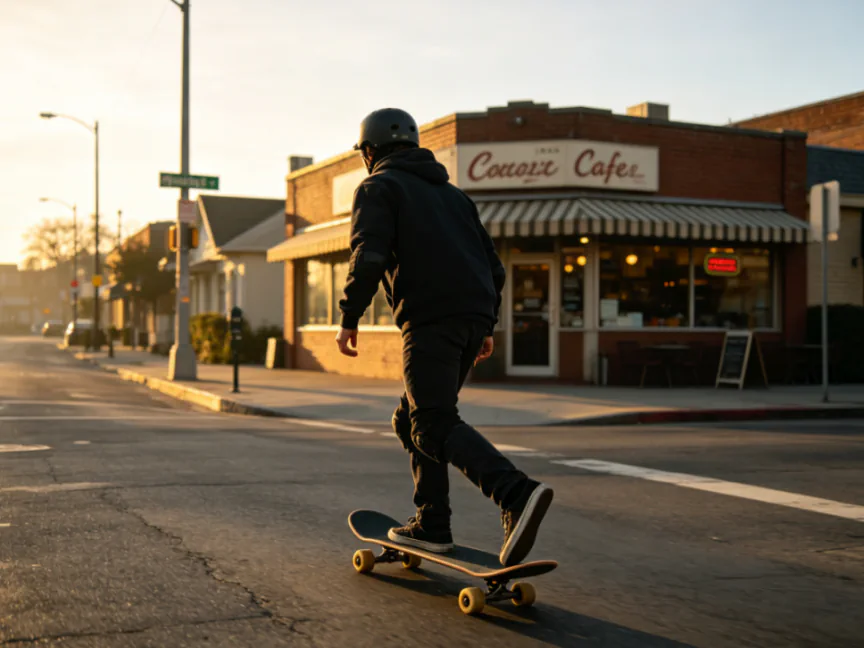
A skateboarder riding along a quiet street in morning light.Skateboard tracking8s · 16:9 · 720pA skateboarder wearing a helmet rides along a quiet city street at dawn.…Use the prompt
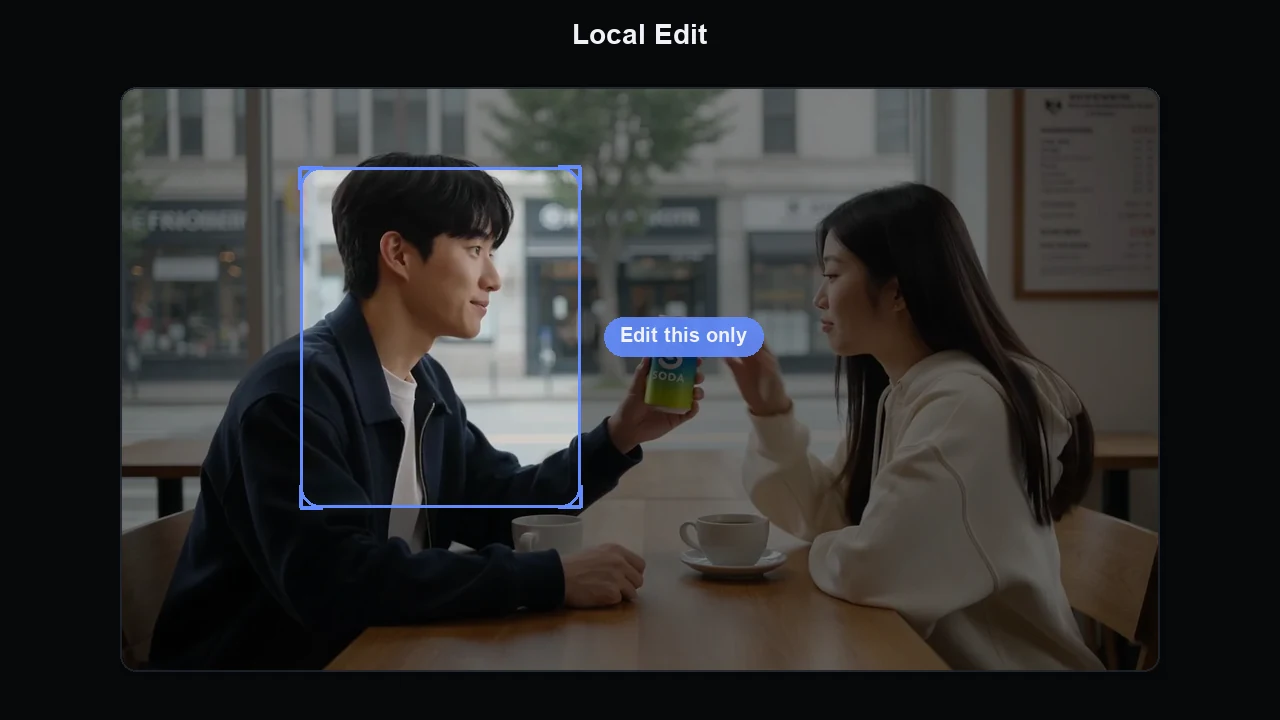
Two people seated across a cafe table with coffee cups.Cafe conversation10s · 16:9 · 720pA fixed medium shot inside a neighborhood cafe.…Use the prompt
An amber perfume bottle on a dark surface.Perfume close-up8s · 9:16 · 720pAn unbranded clear glass perfume bottle filled with amber liquid stands on a…Use the prompt
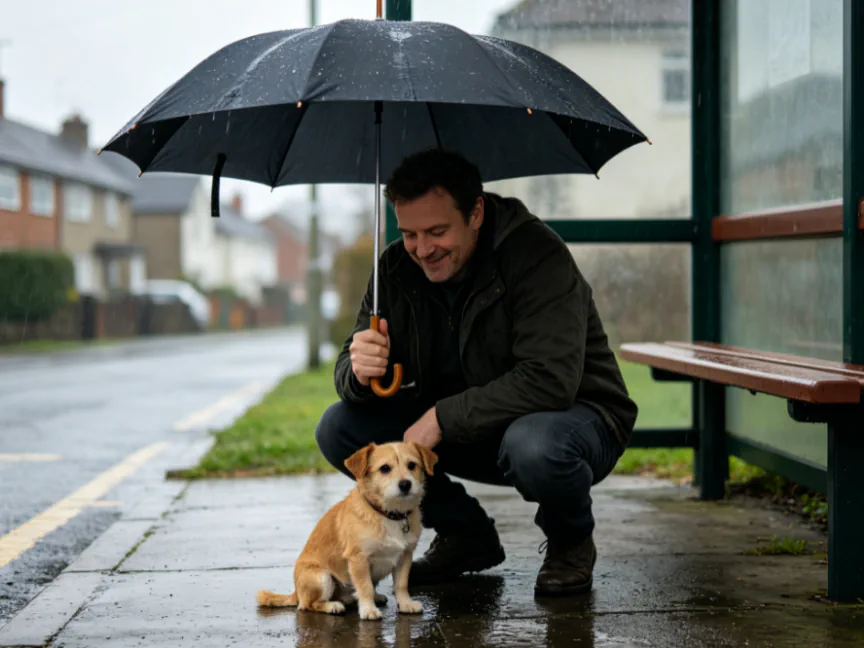
A man at a rainy bus stop shelters a small dog beneath an umbrella.Rainy-day story10s · 16:9 · 720pA man waits at a bus stop in the rain and notices a small dog shivering beside…Use the prompt

What can you create with Kling 4.0 and Kling 4.0 Flash?

Four ways to use Kling 4.0's controls, starting with your references and story beats.

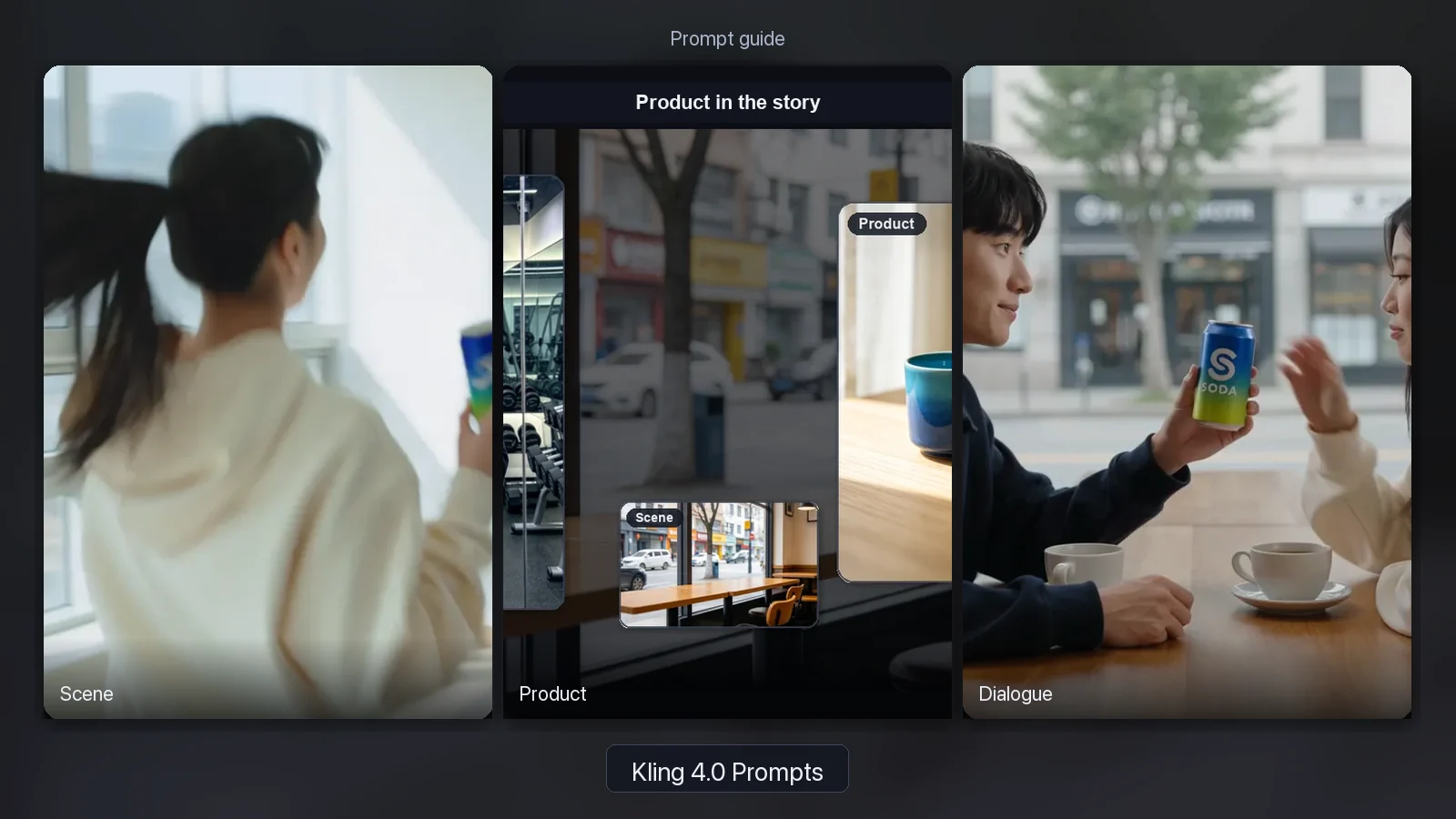
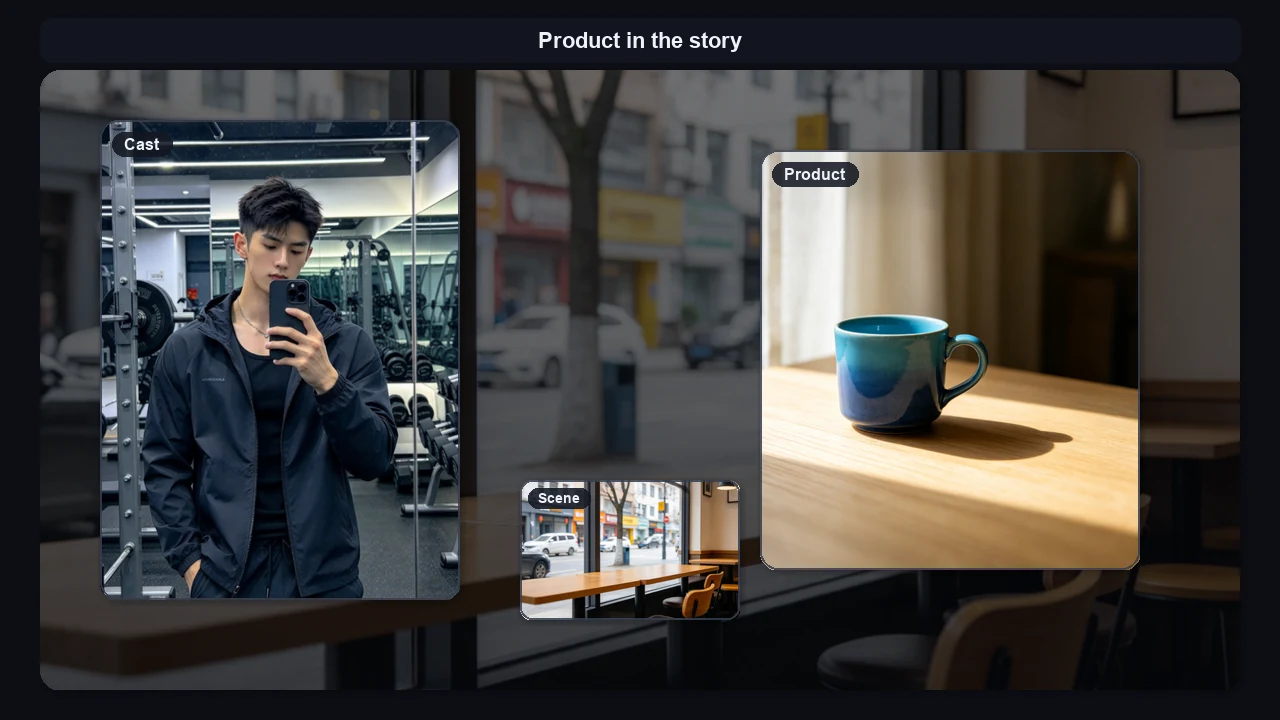
Put your product inside a story

Put your product inside a story

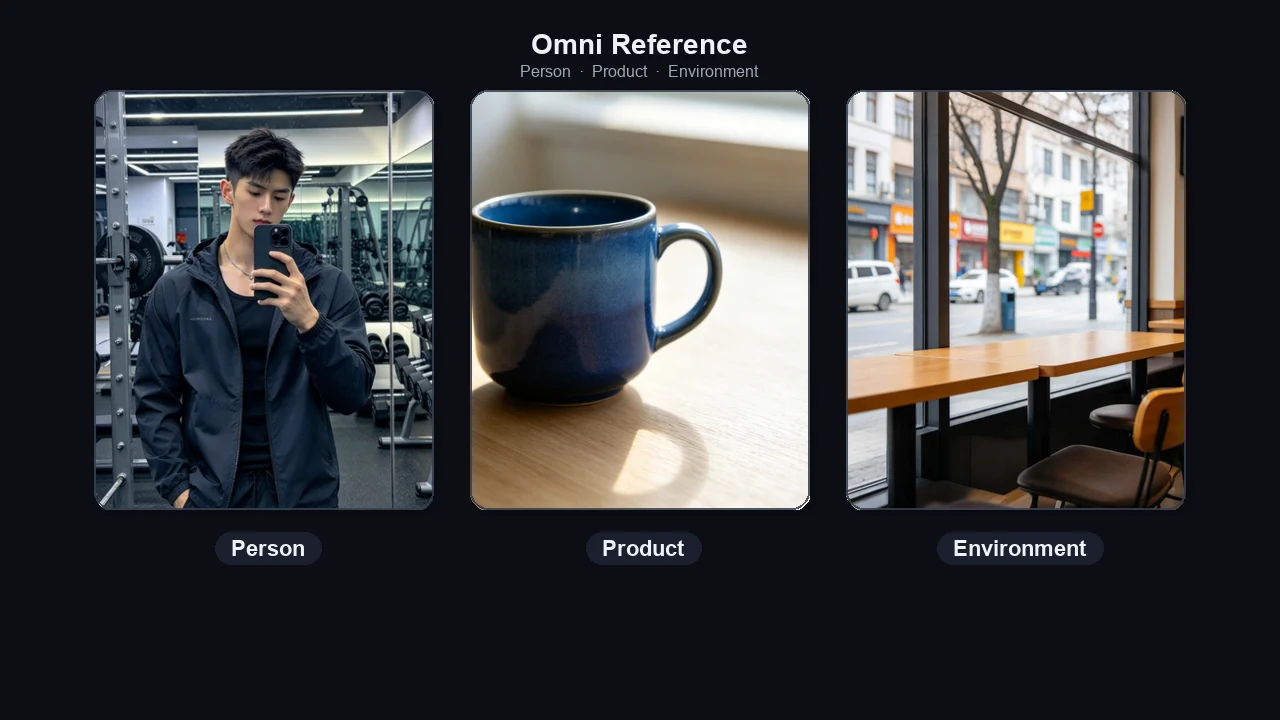
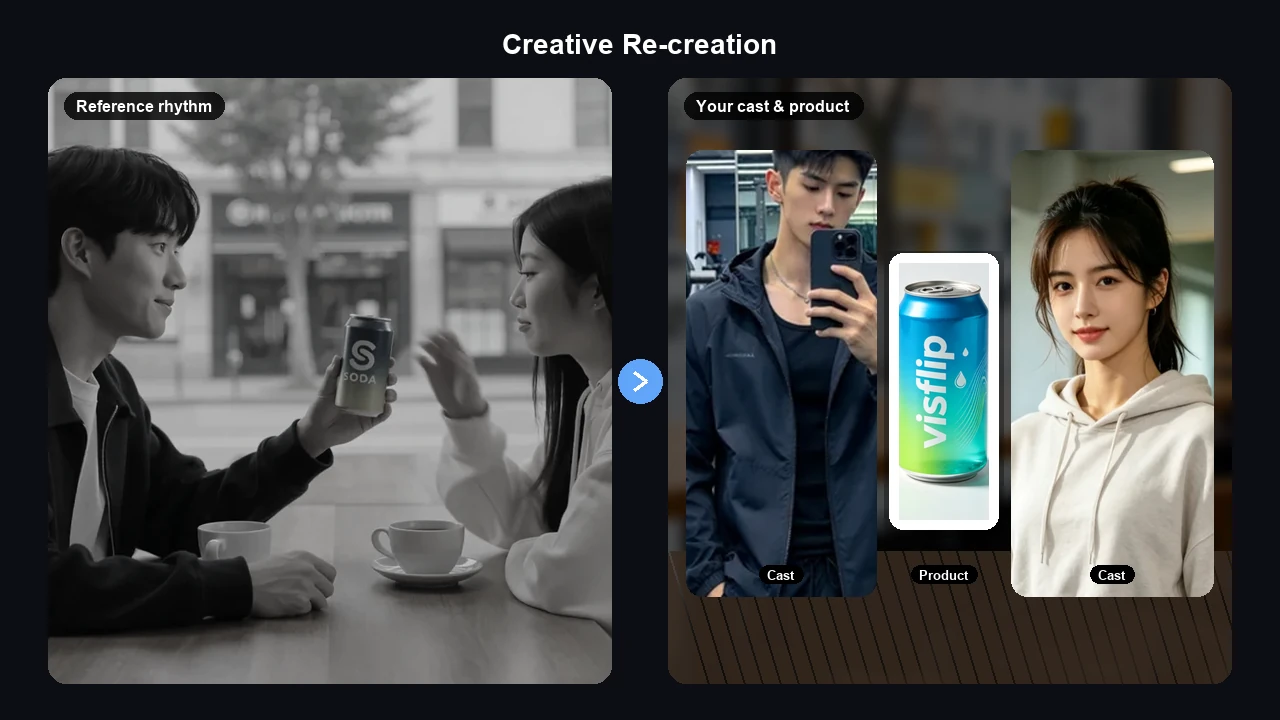
Reference the product, person and location separately, then show someone using the item. Keep the product inside the action across angles, not just in a rotating packshot.

Generate with Kling 4.0

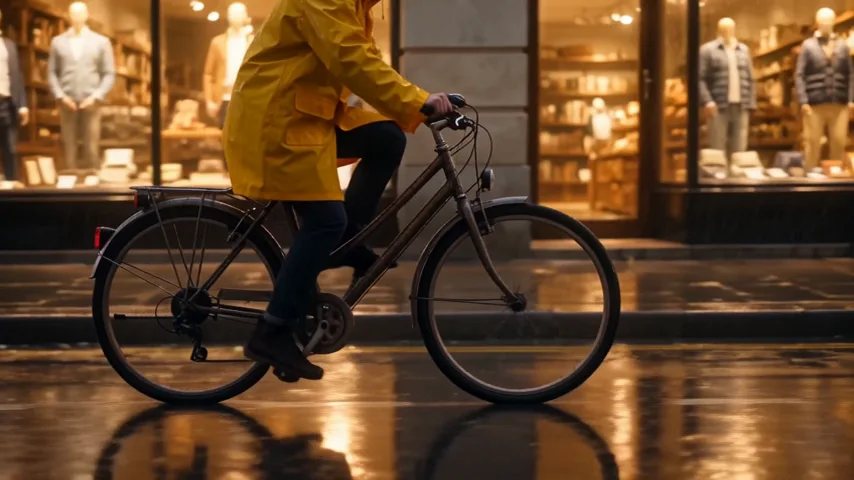
Let action drive the camera

Build a chase, skate line, basketball play or fight previs around clear cause and effect. Connect bodies, tracking shots and camera turns with movement references and shot direction.

Generate with Kling 4.0

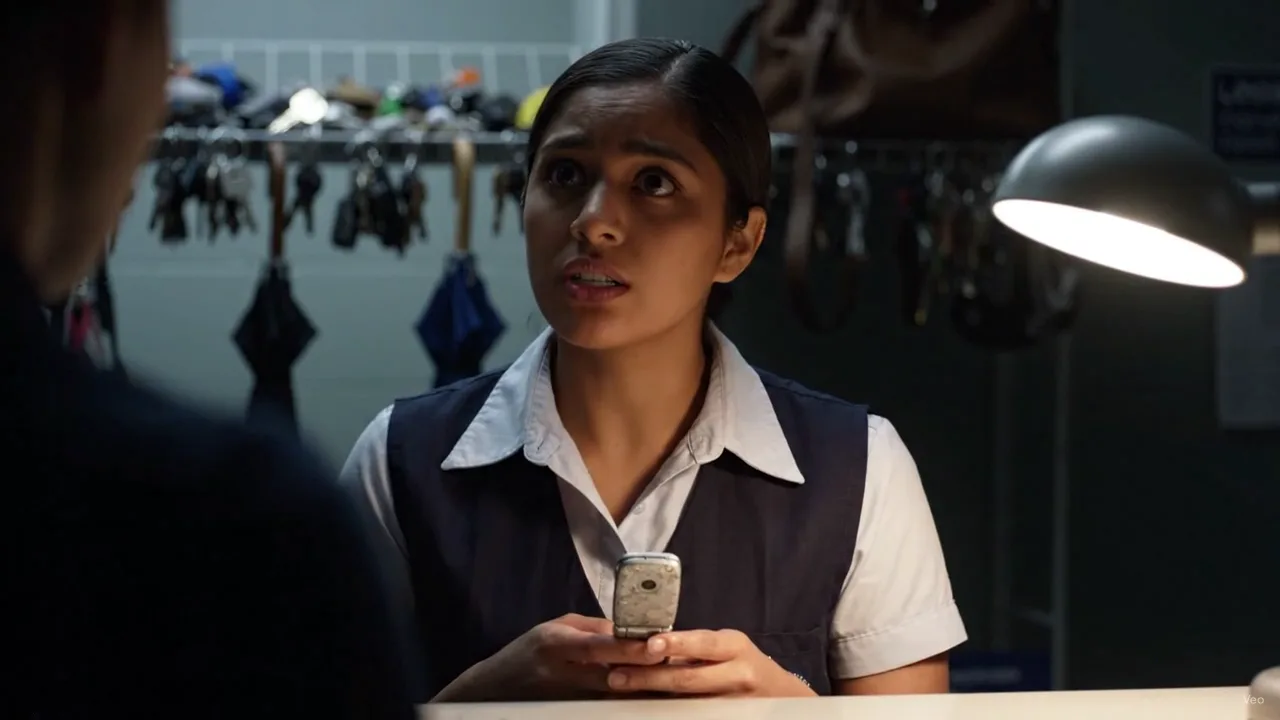
A line of dialogue with Kling 4.0 Flash

Turn on the sound. The barista looks up, pauses, then says “You came back.” Watch how her expression changes in this five-second shot.

Generate with Kling 4.0 Flash

Anchor a scene with first and last frames

Set the opening and ending image for a product action or short narrative, then describe the movement between them.

Generate with Kling 4.0

Direct the whole scene with Kling 4.0

Kling 4.0 combines continuous shots with references, first and last frames, sound and editing controls for specific creative decisions.

Let action and camera movement connect

Generate up to 30 seconds in one shot. Let a chase turn a corner or an athlete finish a move while the camera follows each beat.

Compare Kling 4.0 and Kling 4.0 Flash

Choose Flash for a 720p product close-up or a short line of dialogue. Choose Kling 4.0 for 1080p, shots longer than 20 seconds, or a specific ending frame.

ModelBest forDurationResolution
Kling 4.0
Choose Kling 4.0 for scenes over 20 seconds, 1080p finals or first-and-last-frame control.3–30s720p · 1080p
Kling 4.0 Flash
Create short scenes from text, an opening image or reference material. Try a close-up with a single spoken line.3–20s720p
Kling 3.0
Shorter text-and-image-driven clips when first and last frame guidance is enough for the shot.3–15s720p · 1080p
Seedance 2.5
Text, image and reference-driven video with flexible output settings and an established per-second rate on VisFlip.4–30s480p · 720p · 1080p

How to make a video with Kling 4.0 or Flash

Start with the creative decisions that have the biggest effect: what each reference means, what happens when, and which version should render the final shot.

01

Assign your references

Identify which image defines the person or product, which one sets the environment, and whether a video should guide only movement or pacing. Use material you have permission to use.

02

Sequence the story beats

Divide a longer scene into time ranges. Give each beat one main action and one camera direction. With Kling 4.0, you can also set the first and last frames.

03

Draft, review, then finish

Use Flash at 720p to review a short prompt, composition and motion. Flash supports text-to-video, first-frame-to-video and reference-to-video. Choose Kling 4.0 for scenes over 20 seconds, 1080p output or first-and-last-frame control.

Kling 4.0 and Flash pricing

Use one balance across Kling and Seedance models. Generation rates vary by model, duration and output; pack estimates below use Seedance 2.5 at 480p for comparison.

Light pack

Try a few ideas and find your direction

$20One-time payment

Get 1,250 credits

About 11 Seedance 2.5 videos (from about $1.79 each)

Up to 78 videos

Works with Seedance 2.5 · Seedance 2.0 · Seedance 2.0 Fast · Seedance 2.0 Mini · Kling 3.0 · Kling 4.0 · Kling 4.0 Flash · Veo 3.1 · Wan 3.0 · MAGI 2.0

Watermark-free downloads
Commercial license

Creator pack

Recommended

Explore more ideas and refine your favorites

$60One-time payment

Get 3,750 credits + 450 bonus credits

About 37 Seedance 2.5 videos (from $1.60 each)

Up to 262 videos

Works with Seedance 2.5 · Seedance 2.0 · Seedance 2.0 Fast · Seedance 2.0 Mini · Kling 3.0 · Kling 4.0 · Kling 4.0 Flash · Veo 3.1 · Wan 3.0 · MAGI 2.0

Watermark-free downloads
Commercial license

Large pack

Keep credits ready for regular video creation

$200One-time payment

Get 12,500 credits + 3,750 bonus credits

About 145 Seedance 2.5 videos (from about $1.38 each)

Up to 1,015 videos

Works with Seedance 2.5 · Seedance 2.0 · Seedance 2.0 Fast · Seedance 2.0 Mini · Kling 3.0 · Kling 4.0 · Kling 4.0 Flash · Veo 3.1 · Wan 3.0 · MAGI 2.0

Watermark-free downloads

Commercial license

Studio pack

For a full slate of video projects

$600One-time payment

Get 37,500 credits + 15,000 bonus credits

About 468 Seedance 2.5 videos (from $1.28 each)

Up to 3,281 videos

Works with Seedance 2.5 · Seedance 2.0 · Seedance 2.0 Fast · Seedance 2.0 Mini · Kling 3.0 · Kling 4.0 · Kling 4.0 Flash · Veo 3.1 · Wan 3.0 · MAGI 2.0

Watermark-free downloads

Commercial license

01

Kling 4.0 rates by version

Flash costs 35 credits per second at 720p. Kling 4.0 costs 45 credits per second at 720p and 85 at 1080p. The generator shows your exact quote before you submit.

02

Reference videos add billable seconds

Your quote adds output seconds and actual reference-video seconds, multiplies the total by the rate, then rounds the credits up once per task. Reference images do not add billable time.

03

Top up without a subscription

Choose a one-time credit pack and use it across supported models. Credits never expire, and there is no automatic renewal.

Common questions about Kling 4.0 and Flash

Prompt guides for Kling 4.0, Flash and other video models

Start with the Kling 4.0 prompt guide, then explore related workflows for reference images, shot planning, dialogue and character-led videos.

Start your next Kling 4.0 scene

Bring the product, person and key moments into focus. Plan what happens, how the camera follows and where the scene should end.